
Car maintenance
Keep service history, mileage and receipts together.
Explore car records LifeCRM by Opewell
Your car's last service. The receipt for a repair. The next filter change. LifeCRM brings records, documents and reminders together around each item.
Get LifeCRM on the App Store

For iPhone, iPad and Apple-silicon Mac through the iPad app. One object free; unlimited objects with a one-time Pro purchase.
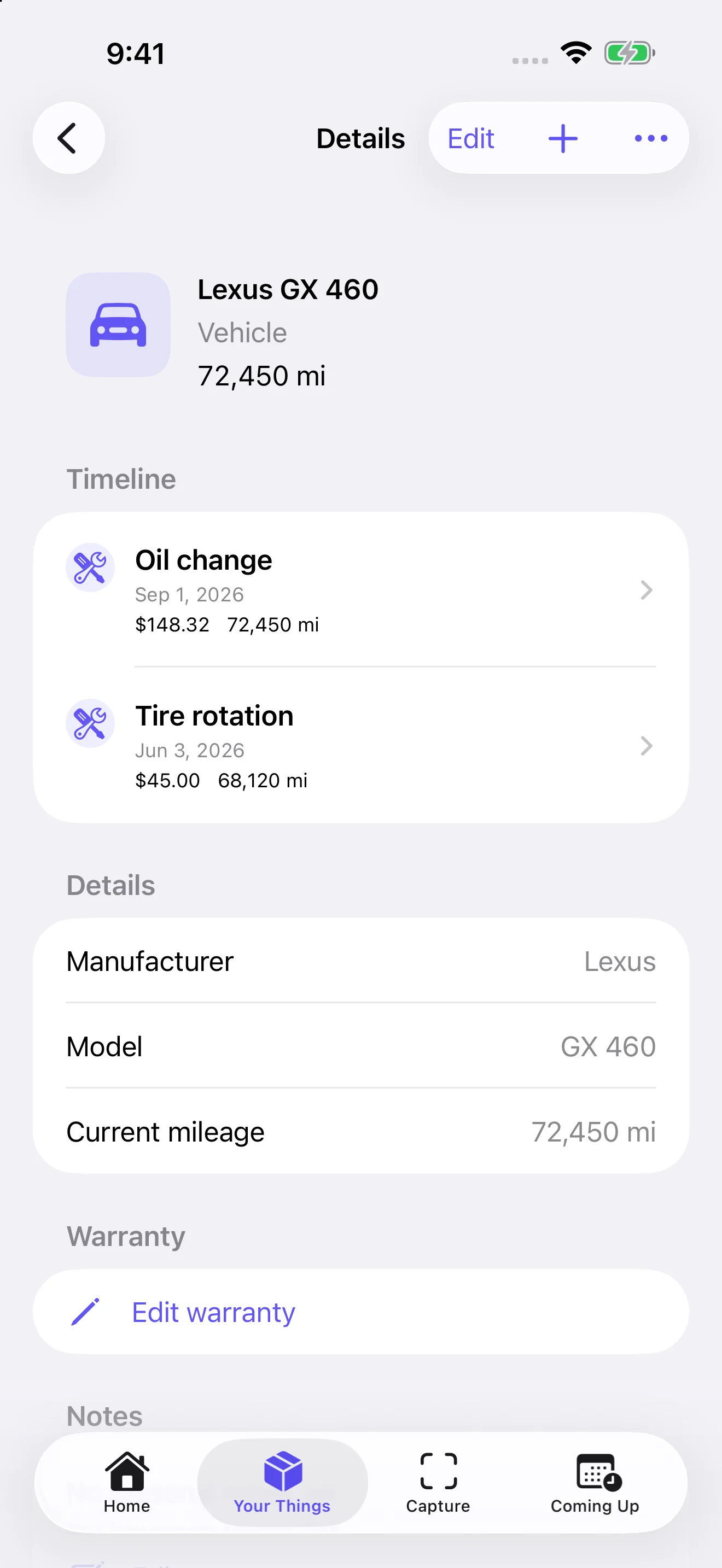
Choose a thing you want to keep track of. Scan a receipt on iPhone or iPad, import a photo or file, or enter the details yourself. Apple Vision recognizes text locally. Eligible devices can use on-device Apple Intelligence, including image-assisted receipt analysis on supported iOS 27 devices. Review dates, mileage, currency, totals and the selected item before saving.
Record services, repairs and modifications with dates, notes and documents. Add useful links or photos later. When you need the history, open the item instead of searching through unrelated notes and folders.
Set your own reminder date or mileage threshold and review upcoming tasks in Coming Up. Complete a service, confirm the actual date and mileage where applicable, and review the next reminder before saving. You can choose not to schedule another reminder. Use manufacturer guidance to choose intervals; LifeCRM does not determine the correct schedule for you.
Date notifications need permission. Mileage may be proposed from a receipt or entered manually; LifeCRM does not continuously read your odometer or connect to OBD.
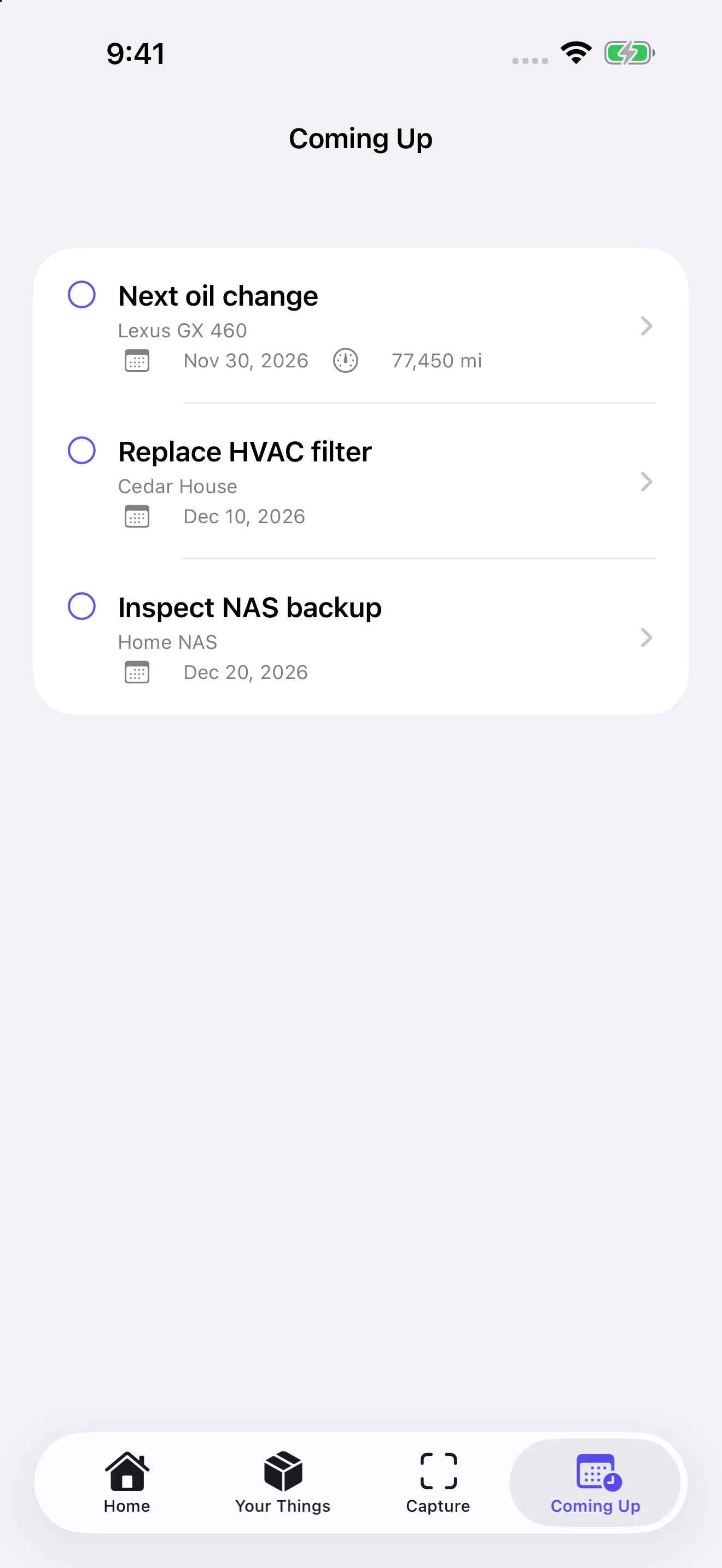
Keep service history, mileage and receipts together.
Explore car recordsKeep repair notes and plan the next task.
Organize home maintenanceKeep purchase documents and warranty details with their item.
Organize receipts and warrantiesRecord condition, grading, purchase details, storage and your own estimated values. LifeCRM does not automatically price collectibles.
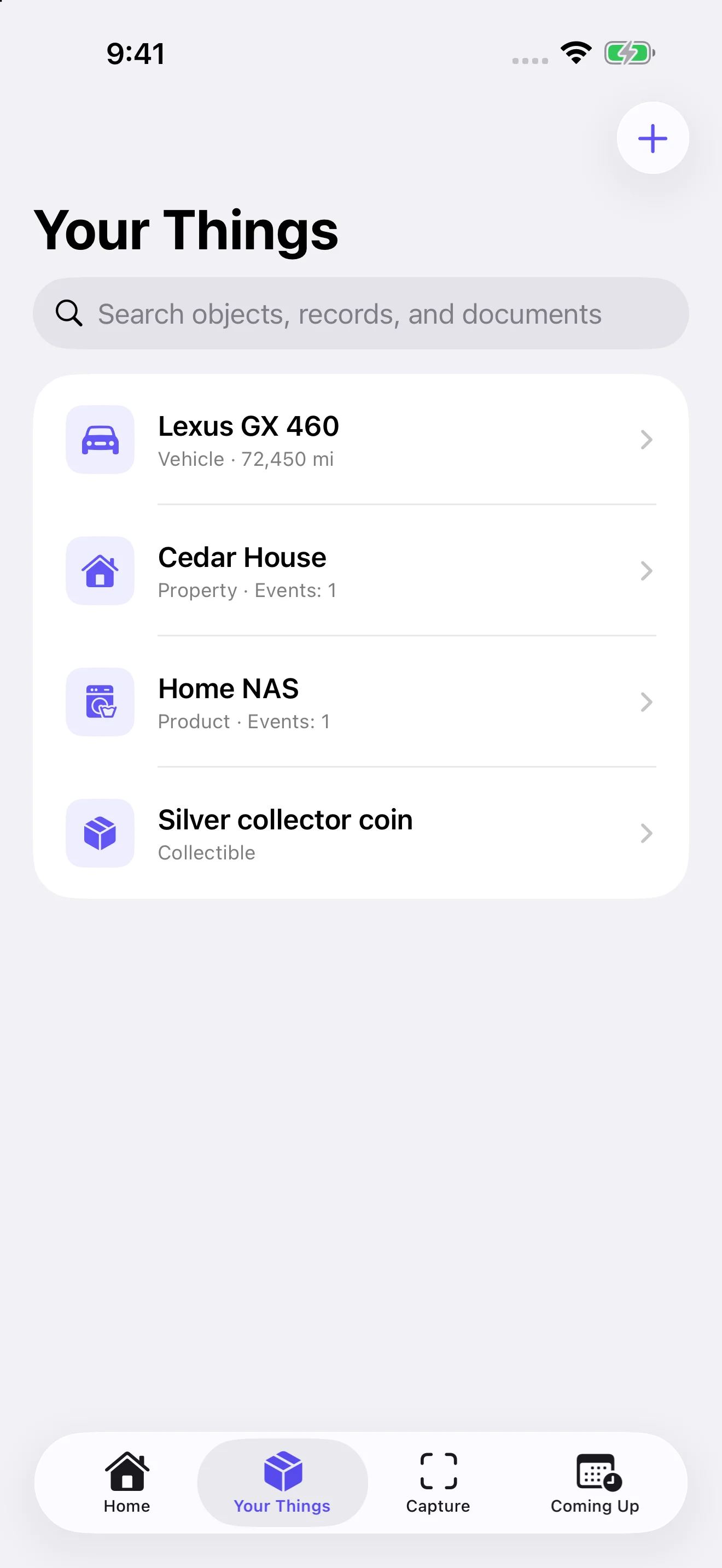
LifeCRM keeps your records locally and synchronizes objects and their attachments through your private iCloud database. Sync is enabled by default unless you previously turned it off. Manage it in Settings.
Sync runs while LifeCRM is open and device data is accessible; it is not a backup or a shared household library. Document analysis stays on-device. Opening LifeCRM does not require a separate in-app unlock prompt.
Export one item or back up your library in a compatible LifeCRM archive, with optional password protection. Keep a separate backup even when sync is enabled.
Free includes one object and all other features. LifeCRM Pro unlocks unlimited objects with a one-time in-app purchase. There is no subscription. See your local price in the app.
Start with one objectLifeCRM supports iPhone with iOS 18 or later, iPad with iPadOS 18 or later, and Apple-silicon Macs with macOS 15 or later and an M1 chip or later through the iPad app. It is not an Intel Mac or native AppKit/Catalyst app. Apple’s listing says it is not verified for macOS. On Mac, import photos/files or create records manually; camera document scanning is not offered. Mac availability does not guarantee native Mac widgets or iPhone-widget Continuity support.
No records are saved automatically. Apple Vision recognizes text locally. Eligible devices may use on-device Apple Intelligence; image-assisted analysis requires supported iOS 27 hardware and an available model. Local/text-processing fallback remains available. AI-assisted analysis is English-only. Review dates, mileage, currency, totals and vehicle selection; neither accurate recognition nor facts absent from the document are guaranteed.
LifeCRM synchronizes through your private iCloud database while the app is open and device data is accessible. There is no shared household library. Sync is not a backup. Compatible archives can still be exported and imported deliberately.